
Tuesday, June 11, 2019
Cricut #Infusibleink sheets

Cricut #Infusibleink
I know been a long time since I've posted to my blog, I need to do better, hopefully, will get back to posting at least once a week. That said have you heard of Cricut's newest product? #infusibleink? I was fortunate enough to be a tester, so received this box of products before it hits the stores. You can start purchasing it on June 21st at your Michael's stores as it will be exclusive to Michael's until sometime in October.
So here is the box of products that I received, the have #infusibleink pens and #infusibleink sheets. Also, there own line of t-shirts, tote bags, and coasters. I'm sure at some point more products will be coming out to use the infusibleink on.
Have questions? Come join us on Facebook in the group called Cricut Lovers Guide to Design Space.


So here is the box of products that I received, the have #infusibleink pens and #infusibleink sheets. Also, there own line of t-shirts, tote bags, and coasters. I'm sure at some point more products will be coming out to use the infusibleink on.
Have questions? Come join us on Facebook in the group called Cricut Lovers Guide to Design Space.


Wednesday, April 11, 2018
Cricut paper crafting
Once a week Cricut gives a free image set/Cartridge that one can use for free for a full week, from Thursday evening thru Thursday evening.. this week is Animal Kingdom so many cute images on this cart, along with bookmarks that are simple to make, use up your scrap cardstock.


S.A.L.T buttons using Cricut Explore 2
Made this buttons for my mother's church, using the Cricut Explore Air 2 and Design Space, cuts a perfect circle to make these 3 inch buttons.


Thursday, October 19, 2017
Using print to cut with Design Space
Love using the print to cut feature in Cricut Design Space..made these mirrors using that feature.. just created my design, flatten, then click Make it. And now the new size for print to cut makes it possible that i'm able to cut 4 at 3 inches instead of 2 from the old program.


Thursday, July 13, 2017


Friday, June 9, 2017
Golf tshirt
Using my Cricut Explore Air 2 did this tshirt for a buddy that is moving away to FL where she'll get to play golf much more then she does here in Baltimore. Was easy since this image is already in Cricut Design Space along with the tag. Needed something quick done in less then an hour and that was even to press it.

Saturday, May 20, 2017
Pink squirrel..why not
Needed something to do a few days ago, i love this squirrel riding on its bike, its a image in the Cricut Library in Design Space..normally i cut it with black vinyl, but on this day i felt like pink, so here's my pink squirrel riding her back and then using Cricut glitter iron cut the words and added to the bag.

Monday, May 15, 2017
Teachers appreciation tote bags
Did these tote bags for a buddy of mine well for his son to take to his teachers.
Now using Cricut Design Space Beta 3, the new format lots of new features have been added and hopefully more will be added before its final release.

Now using Cricut Design Space Beta 3, the new format lots of new features have been added and hopefully more will be added before its final release.

School bus boxes
So the other week was teacher appreciation week, but appreciate the bus drivers as well. So using my Cricut Explore Air 2, i cut these boxes in Design Space, then used the print to cut feature and did the buses. Love that print to cut feature makes things so much easier.


Friday, April 28, 2017
Scrubs and more scrubs
Made this little candy treats for my doctor office, since they moved into a new place..they really enjoyed them. Used my Cricut Explore Air 2 and Design space to create this simple pattern, using the slice and weld features makes it so simple to be as creative as you want to be. Each holds 2 Hershey nuggets.


Sunday, April 16, 2017
Easter Huggers
Got this project from the Make it Now section in Design Space.. made up a bunch for the kids at church.


Saturday, April 8, 2017
oh the places..bookmarks
So I guess I'm on a bookmark kick these past few days.. did these bookmarks yesterday.. using my Cricut Explore Air 2..and a Cricut pen.. the project is in the Make it Now section of Design Space.. i let the Explore draw on the white side of some scrapbook paper, cut it and then i laminated them.. made a envelope in Design Space to fit the bookmark.. simple easy gift but meaningful.


Faux leather bookmarks
So I just posted about the Cricut faux leather - just made these bookmarks today using it. Cut some HTV and added to it.


Cricut Faux Leather
Have you seen the new colors that Cricut has in there faux leather? Have you received a roll in one there Mystery boxes and not known what to do with it? Well here are a few ideas.. and guess what you can use HTV (heat transfer vinyl) on it as well.
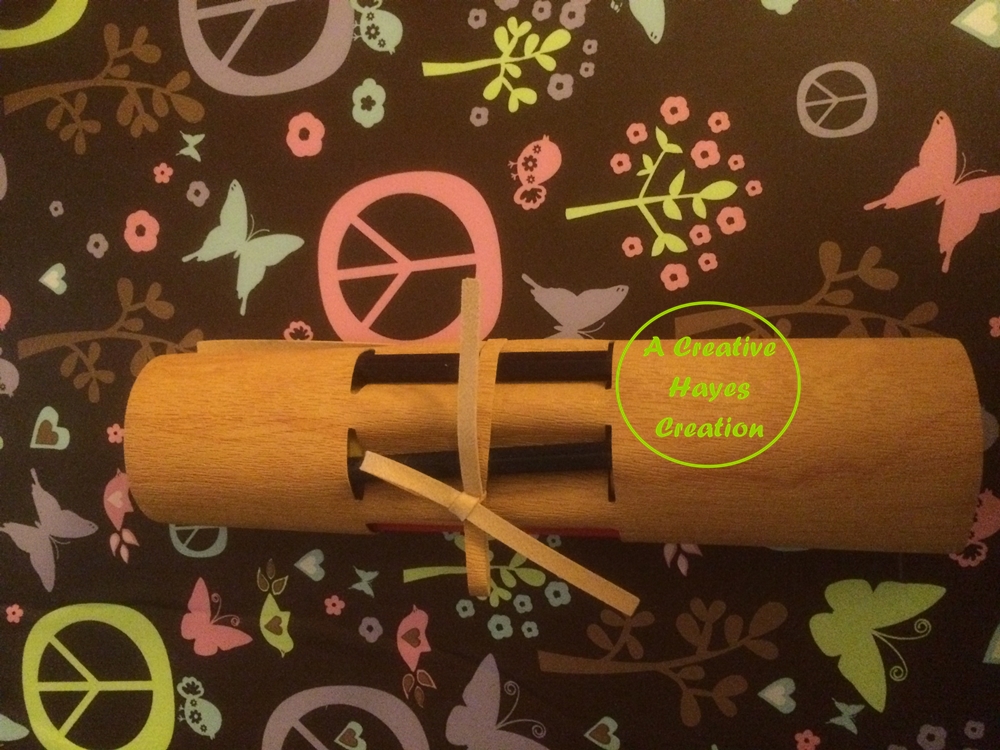
These pencil holders are in the Make it Now section of Design Space, so easy to make, and you can personalize them using Cricut's iron on... very easy project. And you can cut the faux leather with the regular German Carbide blade on the poster board setting, no need for a deep cut blade..now you do need a very sticky mat, preferably the purple mat, I haven't tried yet but maybe a brand new green mat would hold it down, i'll have to try that.


These pencil holders are in the Make it Now section of Design Space, so easy to make, and you can personalize them using Cricut's iron on... very easy project. And you can cut the faux leather with the regular German Carbide blade on the poster board setting, no need for a deep cut blade..now you do need a very sticky mat, preferably the purple mat, I haven't tried yet but maybe a brand new green mat would hold it down, i'll have to try that.




Subscribe to:
Posts (Atom)